

How to create a family hymn sing-along DVD
A family hymn sing-along DVD can turn familiar songs into a shared tradition. Rather than simply recording people singing in a living room, the project combines carefully chosen hymns, readable lyrics, simple accompaniment, and warm family memories in one playable keepsake.
The finished disc might be used during Sunday gatherings, family reunions, youth activities, holiday celebrations, or quiet evenings at home. It can also preserve the voices of grandparents, children, and relatives who may not always be together in person.
The best results come from planning the experience before setting up a camera. Decide who will watch the DVD, what mood you want to create, and whether the main purpose is worship, teaching, family history, or informal entertainment.
Define the purpose and audience
Start by writing a short description of the DVD in one sentence. For example, it might be “a collection of easy hymns for family worship” or “a musical history of our grandparents’ favorite songs.” This decision will guide every later choice, from song selection to filming style.
Consider the ages and musical confidence of the people who will sing along. Young children need large lyrics, steady tempos, and songs with repeated phrases. Older relatives may appreciate traditional arrangements, while teenagers might respond well to a contemporary instrumental style. A family hymn project can include several generations without forcing every song into the same format.
Choose whether viewers will sing with the recording, listen to a featured family performance, or do both. A useful format opens with a short performance, displays the lyrics clearly, and leaves enough space for the audience to participate.
Choose hymns and musical arrangements
Select a manageable group of songs rather than trying to include every family favorite. A 30- to 45-minute DVD may contain eight to twelve hymns, depending on their length and the amount of spoken material between them. Organize the songs by theme, season, or emotional progression.
Possible groupings include faith, gratitude, service, family, Easter, Christmas, or songs connected with a particular ancestor. You can also alternate energetic and reflective hymns to keep the program comfortable for singers and viewers.
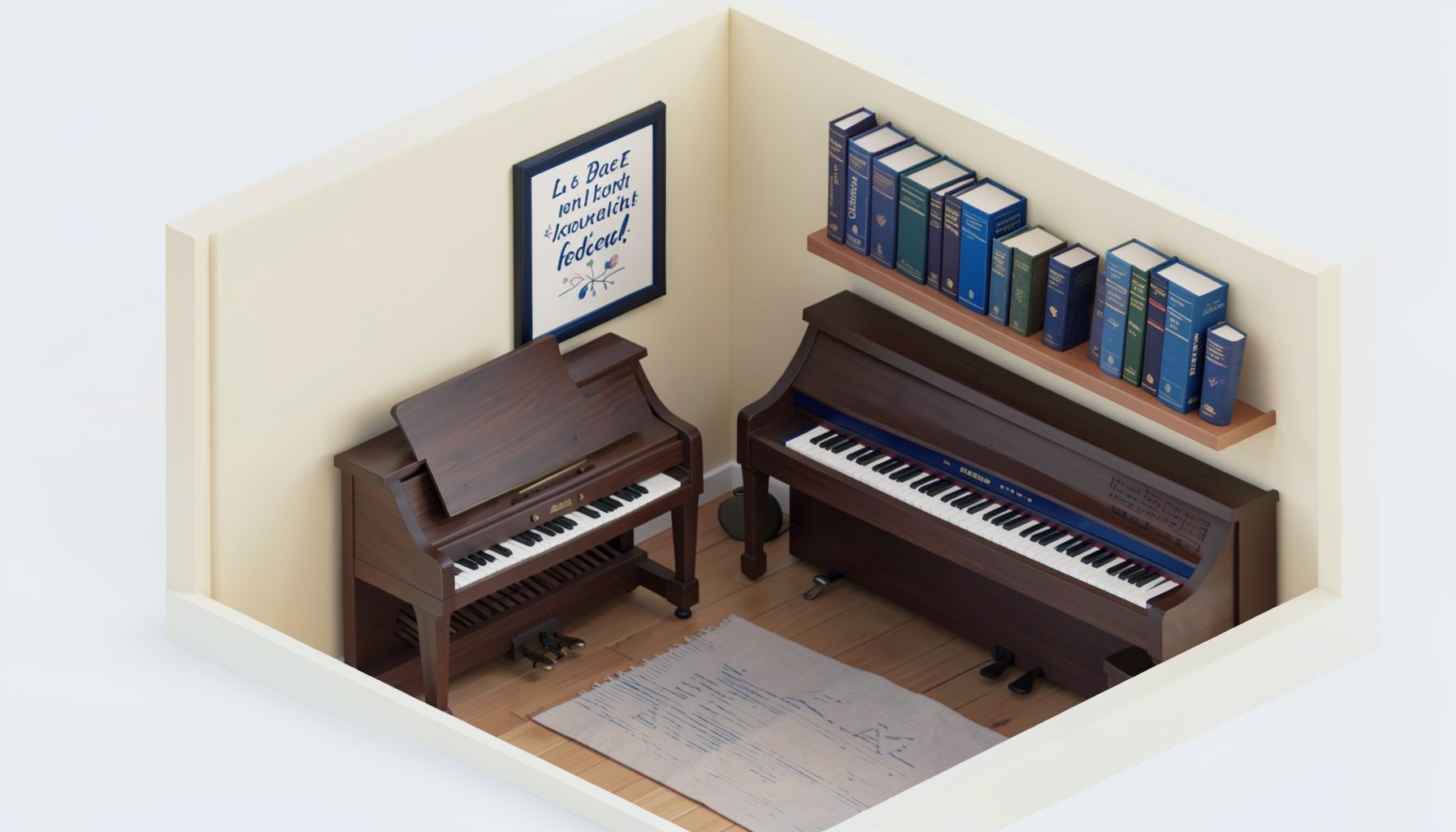
Listen to different arrangements before recording. A piano-only accompaniment is often easiest for a home project, but guitar, strings, or a small vocal ensemble can add variety. Collections such as the EFY music collection may provide ideas for youthful pacing, contemporary instrumentation, and vocal presentation.
Check that you have permission to reproduce any copyrighted arrangement, recording, lyric display, or performance. Public-domain hymns may be simpler to use, but a modern arrangement can have separate rights. Keep a record of the source and permission status for every song.
Prepare lyrics, visuals, and recording materials
Readable lyrics are the heart of a sing-along video. Use a plain, high-contrast font and display only a few lines at a time. Avoid decorative backgrounds behind important words. White or pale lettering over a dark, still image is usually easier to read than text placed over busy family footage.
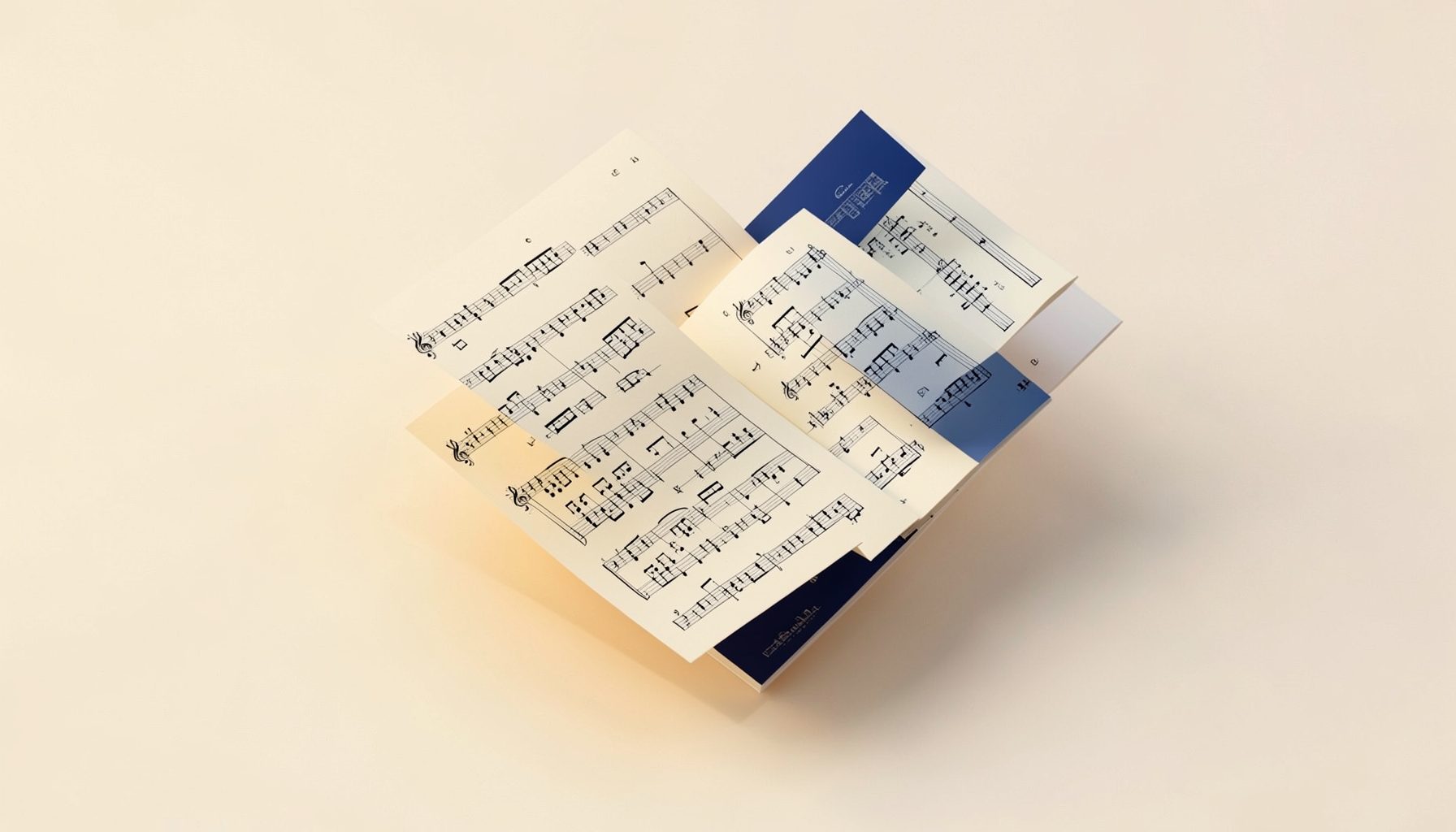
Prepare a lyric script with exact verses, repeated choruses, and any changes to the arrangement. Mark where each line appears and rehearse the timing with the accompanist. If the lyrics advance too quickly, viewers will stop singing; if they remain too long, the screen may feel disconnected from the music.
Gather a tripod, an external microphone if possible, headphones, extra storage, lighting, and a quiet recording space. Record room tone for a few seconds before and after each take. Ask singers to stand close enough to hear one another, and place the camera where facial expressions and group interaction remain visible.
| Project element | Practical choice | Why it helps |
|---|---|---|
| Song count | Eight to twelve hymns | Keeps the program focused |
| Screen text | Two to four lyric lines | Supports comfortable reading |
| Audio | Separate microphone or recorder | Produces clearer voices |
| Visual style | Stable shots with gentle changes | Avoids distracting viewers |
| Chapter design | One chapter per hymn | Makes the disc easy to navigate |
| Final format | DVD video with menu and backup file | Supports playback and preservation |
Record performances that feel natural
Before filming the complete program, make a short test recording. Listen for humming, page turns, chair movement, uneven volume, and room echo. A carpeted room with curtains or furniture often sounds better than a large empty space.
Record each hymn more than once. One take may have the best singing, while another may contain the most natural smiles and interaction. Capture a few close-up shots of hands on the piano, children following the lyrics, or family members turning pages, but use these images sparingly so the audience never loses the song.
Do not ask inexperienced singers to perform as though they were on a professional stage. Encourage them to look at one another, breathe together, and sing at a comfortable volume. If someone misses a word, keep going unless the error affects the entire recording. A family DVD should feel sincere and welcoming rather than excessively polished.
Add brief spoken transitions if they serve a purpose. A grandparent might explain why a hymn mattered during childhood, or a child might introduce a song about gratitude. Keep these moments concise, and record them in the same room or with matching audio quality.
Edit the video and build the DVD
Organize the footage into folders before editing. Label files by hymn and take number, then create a rough sequence before adding effects. Select the strongest performance for each song and trim long pauses, false starts, and distracting movement.
Synchronize the lyric slides with the actual singing. Use simple fades or cuts between shots. Excessive transitions, animated text, and visual effects can make a devotional sing-along feel like a slideshow instead of a shared musical experience.
Balance the audio carefully. The accompaniment should support the voices without covering them, and spoken introductions should be loud enough to understand. Add a brief opening title and a closing message, then include a menu with hymn titles and chapter selections. If the DVD will be shared with extended family, add contact information or a short note about the recording date in the end credits.
A small concert-style segment can offer useful visual inspiration. For example, a Nashville concert recap can illustrate how performance energy, audience connection, and varied camera angles work together without overwhelming the music.
Test, duplicate, and preserve the project
Test the completed disc on more than one DVD player or computer. Check the menu, chapter buttons, lyric timing, audio balance, subtitle readability, and whether the disc begins playing as intended. Ask someone who was not involved in editing to watch it, since fresh viewers often notice confusing navigation or missing lyrics.
Create a digital master in addition to the physical DVD. Store the original camera files, edited video, lyric graphics, project file, and final disc image in separate locations. A DVD can be scratched, misplaced, or difficult to play in the future, while a well-labeled digital copy provides an additional preservation option.
Before making copies, review the project with the family members who appear in it. Confirm that everyone is comfortable with how the footage is presented and decide whether the DVD is private, limited to relatives, or suitable for a broader audience.
Make the next family sing-along easier
Use these practical habits to keep future projects organized:
- Save a reusable lyric-screen template with the preferred font, colors, and transition settings.
- Keep a family song list with keys, arrangements, accompanists, and copyright notes.
- Record short rehearsal clips to identify tempo or pronunciation problems early.
- Label every disc and digital folder with the date, participants, and song list.
- Invite younger family members to handle menus, artwork, captions, or camera support.
A hymn sing-along DVD becomes more meaningful when it reflects the people who made it. Include different voices, preserve small stories, and leave room for ordinary moments that show how the family actually worships and spends time together.
Gather the songs, contact the singers, and schedule a relaxed recording day. With thoughtful preparation and a simple editing approach, you can create a durable family music keepsake that invites everyone to sing instead of merely watch.